Firmware update
The Asyfill firmware can be updated through the Comm. interface.
Cybersecurity
Only authorized persons may update the firmware, using a trusted computer and the firmware files provided through the Downloads section. Restore the direct Ethernet connection to EYE+ before resuming Ethernet operation, as described in External interfaces.
To update the Asyfill, follow the steps below:
Download the Asyfill Updater
Download the Asyfill Firmware to be installed
Launch the Asyfill Updater
Enter the Asyfill IP address (192.168.0.253 by default) and browse to the desired firmware file
Launch the update by pressing start firmware update
When the new firmware is successfully installed, close the Asyfill Updater
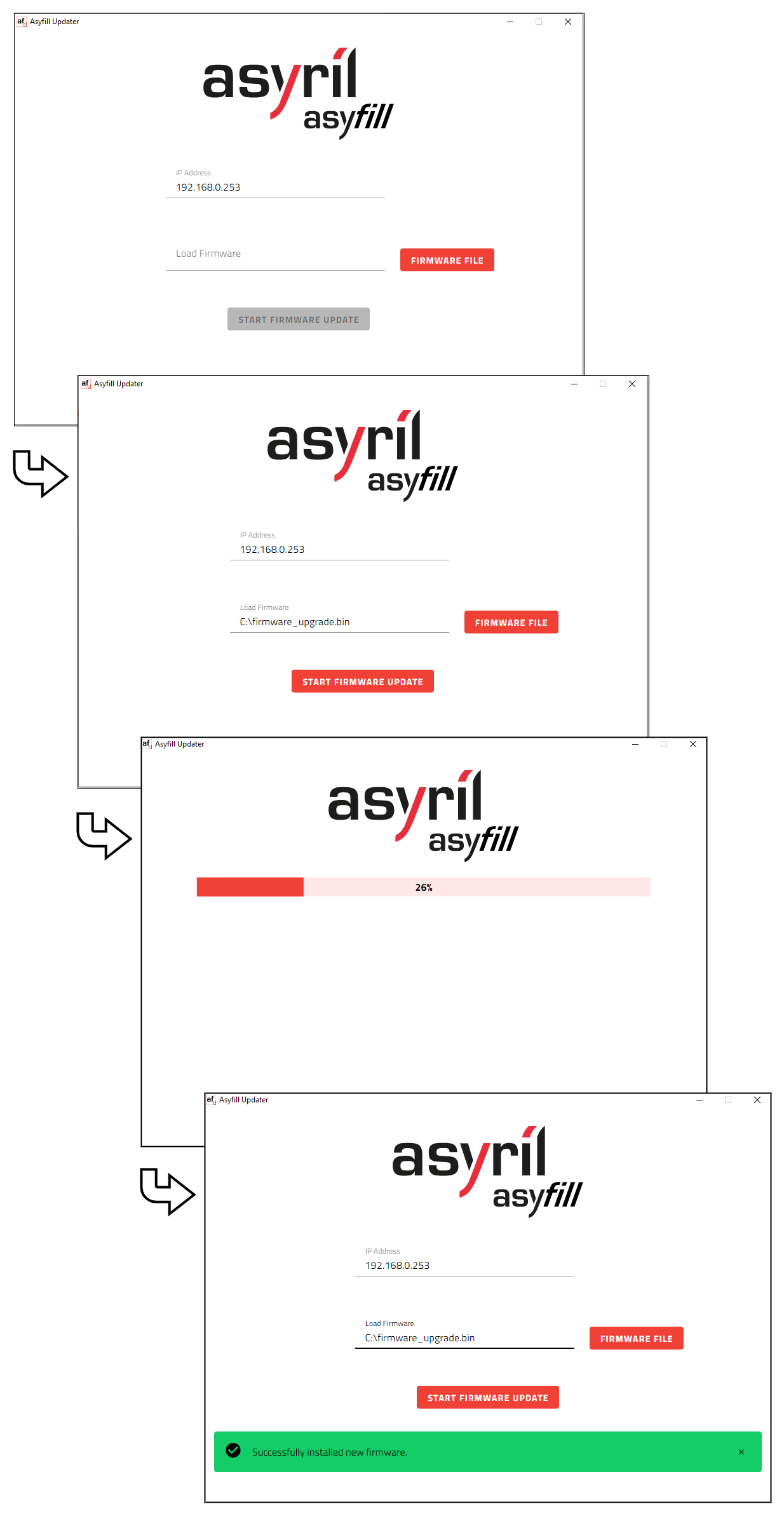
Fig. 44 Asyfill Updater - Firmware update procedure